Mavon offers four impressive styles (Faith), which serve as excellent foundations for creating your own website and guarantee to make it stand out from the rest. When you try out the theme or upload the theme file, you will receive the default preset, which is one of the four demo styles available.
If you wish to import and set up your store to resemble one of the other demos, ensure that your theme is not in trial mode and follow the steps outlined below.
Get the sample data
| Demo | Sample data |
| Faith/Default | Download |
Once you have finished downloading, the next step is to unzip the file. Unzipping the file will allow you to access its contents.
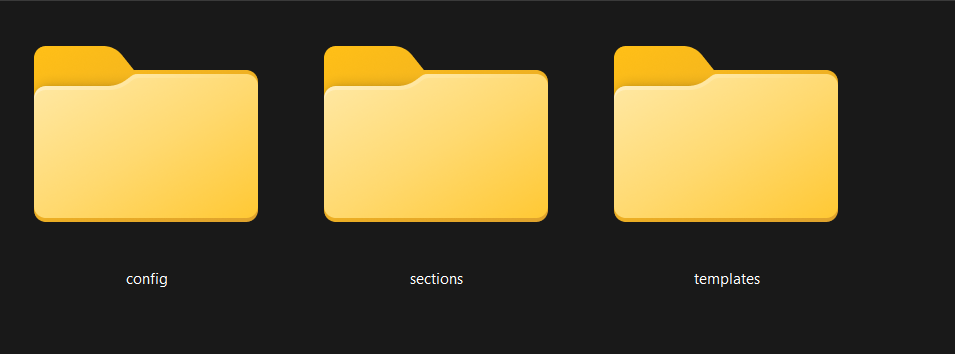
Import the sample data to your theme
Steps:
- From your Shopify dashboard, go to Online Store > Actions > Edit code.
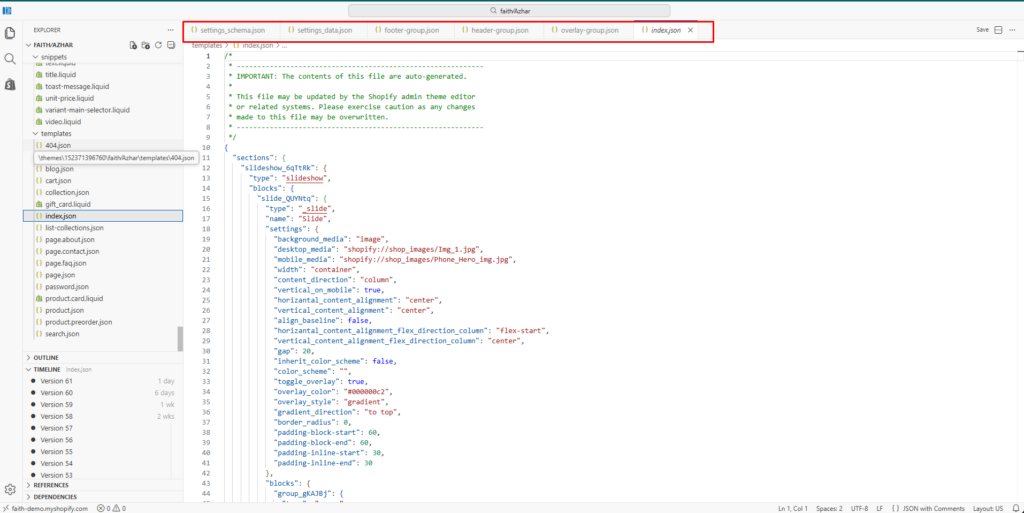
- Replace the content in the theme files in the theme code with the equivalent files in the sample data folder.
As an example:
- Templates/index.json: copy and replace the content of the file Templates/index.json.txt
- Config/settings_data.json: copy and replace the content of the file Config/settings_data.json.txt
- Sections/header-group.json: copy and replace the content of the file sections/header-group.json.txt
- Sections/footer-group.json: copy and replace the content of the file sections/footer-group.json.txt
3. Save all the changes.
Follow the screenshot –