- Navigate to Admin > Online Store > Themes in your dashboard.
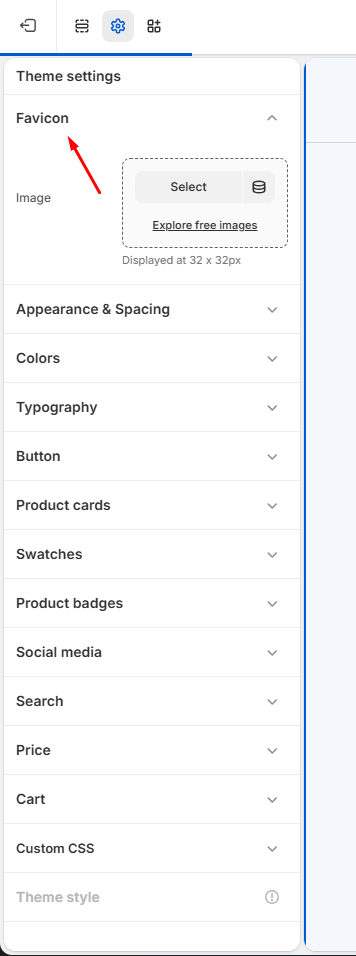
- Find the theme you want to update and click Customize, then go to Theme Settings > General Settings.
- In the Logo section, upload your favicon file by clicking the upload area or dragging your image into place.
- Click Save to apply the changes.
- Your new favicon will appear in browser tabs, bookmarks, and other places where your site is referenced, helping to reinforce your brand identity across the web.
Tip: For best results, use a square image (ideally 32×32 or 16×16 pixels) in PNG, ICO, or SVG format.