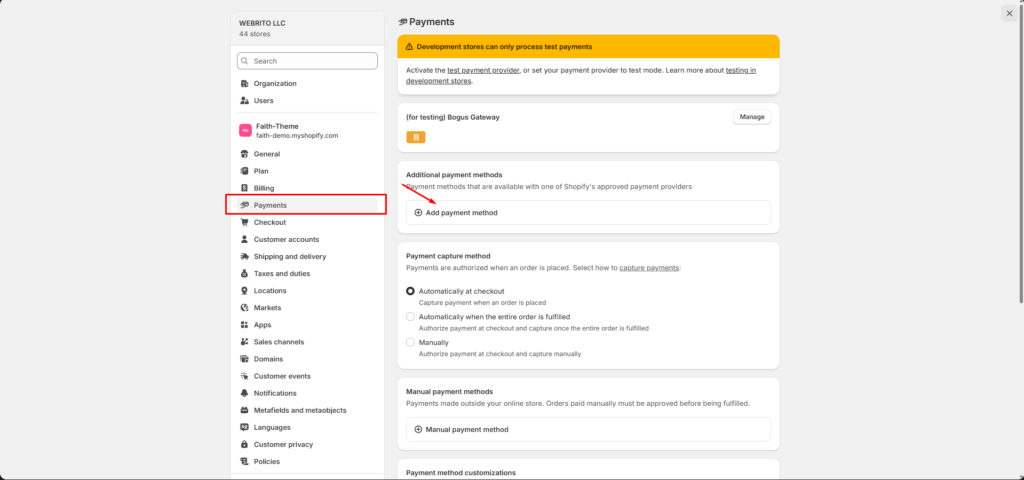
Configure payment methods to start accepting customer payments and processing orders.
How to Access
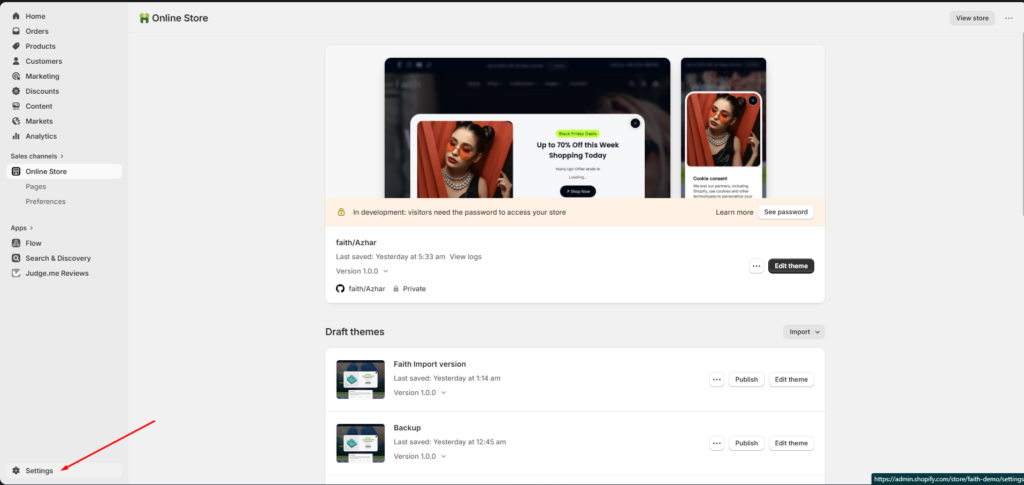
- From your Shopify admin, go to Settings → Payments
- In the Shopify Payments section, click Manage
Configure Payment Options
- From your Shopify Admin, navigate to Settings
2. In the Shopify Payments section, click Manage to access configuration options