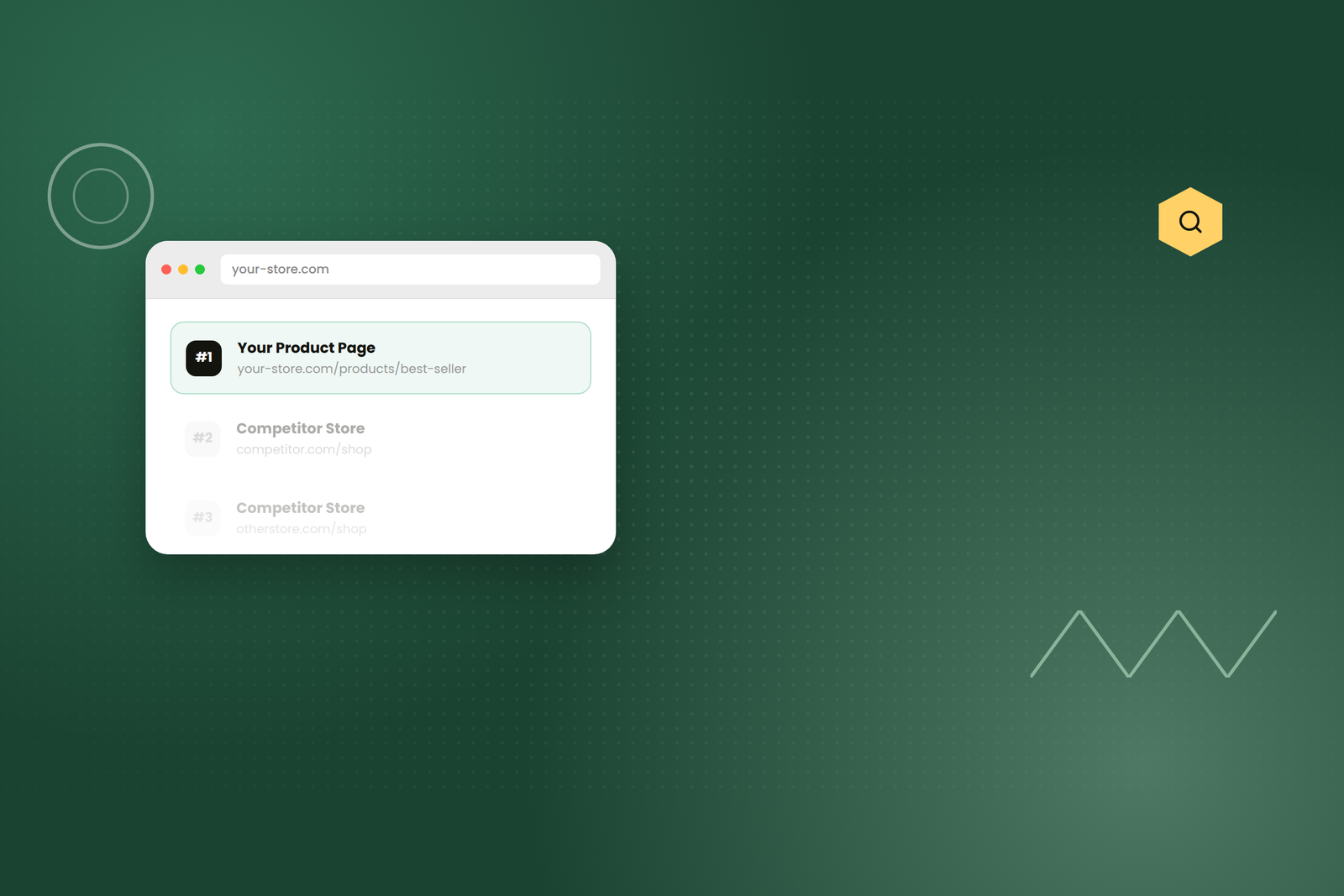
Most Shopify merchants focus on keyword research, backlinks, and content—and neglect the foundation: their theme. Shopify handles 80% of technical SEO automatically, but the remaining 20% that your theme controls can mean the difference between ranking in position 3 and position 13. In 2026, with Google’s Helpful Content updates making technical quality paramount, the gap between modern and legacy themes has widened dramatically.
How Much Does Your Theme Impact SEO?
What your theme controls: Page load speed (Core Web Vitals), mobile responsiveness and rendering, HTML code structure and semantic markup, schema markup implementation, internal linking structure, image optimization. A bad theme can tank rankings despite perfect content. A good theme picks up easy wins automatically.
The Theme Performance Test: Core Web Vitals
Largest Contentful Paint (LCP)
Measures: How fast does the largest visible element load? Target: Under 2.5 seconds. Impact: Bloated themes with unnecessary code delay LCP; lean, optimized themes deliver fast LCP automatically.
First Input Delay (FID)
Measures: How responsive is the page when you interact? Target: Under 100ms. Impact: Themes with heavy JavaScript or inefficient event handling cause FID problems.
Cumulative Layout Shift (CLS)
Measures: Does content shift around as you scroll? Target: Under 0.1. Impact: Themes that don’t reserve space for ads, images, or dynamic content cause layout shift. A store improved LCP from 4.2 to 2.1 seconds by switching themes, seeing 35% ranking improvement in 8 weeks.
How to Choose an SEO-Friendly Shopify Theme
1. Performance Testing
Don’t trust marketing copy. Run the theme’s demo through Google PageSpeed Insights and Lighthouse on mobile and desktop. Target themes scoring 90+ on PageSpeed on both devices.
2. Code Quality
Modern vs. legacy: Themes updated for Online Store 2.0 outperform themes from 2022 or earlier. Vanilla JavaScript beats jQuery-heavy themes. All CSS and JavaScript should be minified. Code-splitting loads only necessary code per page.
3. Mobile Responsiveness
Google uses mobile-first indexing—your theme’s mobile rendering is what Google primarily evaluates. Test on real iOS and Android devices. Buttons must be 48x48px minimum. Text must be readable without zooming.
4. Schema Markup Support
Schema markup is the difference between a plain link and a rich result with ratings and price. Best themes include: Product schema, Organization schema, Breadcrumb schema. If using an SEO app, ensure your theme doesn’t conflict with the app’s schema.
🔍 Built for SEO & Performance
Our Shopify themes are tested and optimized for Core Web Vitals, mobile-first indexing, and schema markup—everything your organic traffic depends on.
See SEO-Optimized Themes
Theme-Level SEO Optimization Tactics
1. Optimize Internal Linking Structure
Every product should be reachable from homepage in under 3 clicks—if buried 4+ levels deep, Google may discover but won’t index it. Link related products and collections to increase crawlability. Link from blog posts to relevant product pages naturally.
2. Image Optimization
Product images are major ranking factors. Themes should: lazy-load images, auto-include descriptive alt text, auto-compress images, serve responsive images based on device.
3. Avoid Theme Mistakes That Kill Rankings
Duplicate content: Some themes create duplicate product pages unintentionally. Poor pagination: Collection pagination should use rel=”next” and rel=”prev” tags. Conflicting SEO apps: If both theme and SEO app emit Product schema, Google uses one and ignores the other—wasting effort.
The Ideal Modern Shopify Theme for SEO
✅ Built on Online Store 2.0 | ✅ PageSpeed 90+ (mobile & desktop) | ✅ LCP under 2.5s on mobile | ✅ Responsive design on real devices | ✅ Product schema included | ✅ Lazy-loaded images | ✅ Fast product template | ✅ Clean, minified code | ✅ No jQuery | ✅ Regular updates
The 90-Day Theme SEO Optimization Plan
Week 1–2: Audit. Run PageSpeed Insights, test Core Web Vitals, check mobile rendering. Week 3–4: Evaluate modern themes. Week 5–8: Plan migration carefully. Week 9–12: Switch themes, test thoroughly, monitor Search Console. Most stores see ranking improvements within 4–8 weeks of switching to a faster, modern theme.
Bottom Line: Your Theme Is Your SEO Foundation
You can’t build a high-ranking store on a weak theme. Modern, fast, mobile-first themes are the foundation of SEO success. Invest in quality, and you’ll earn back that investment in organic traffic within months.